
Customer Service Automation: 3 Mistakes and How to Fix Them
Customer service automation breaks in three places: no human handover, no owner and no measurement. See how to fix each one in a day.
Customer service automation usually breaks in three places. The bot never passes the chat to a human, its content has no owner, and results go unmeasured. Each of these mistakes can be fixed in one day. Below I describe what each one looks like and what exactly to set up.
What is customer service automation and where does it break most often?
Customer service automation means a chatbot, automatic email replies, order statuses and notifications. They take over repeated questions. The team handles the cases that need a decision.
In conversations with companies I see the same three mistakes. They affect service, retail and manufacturing firms, whatever the team size. Each one has a simple fix.
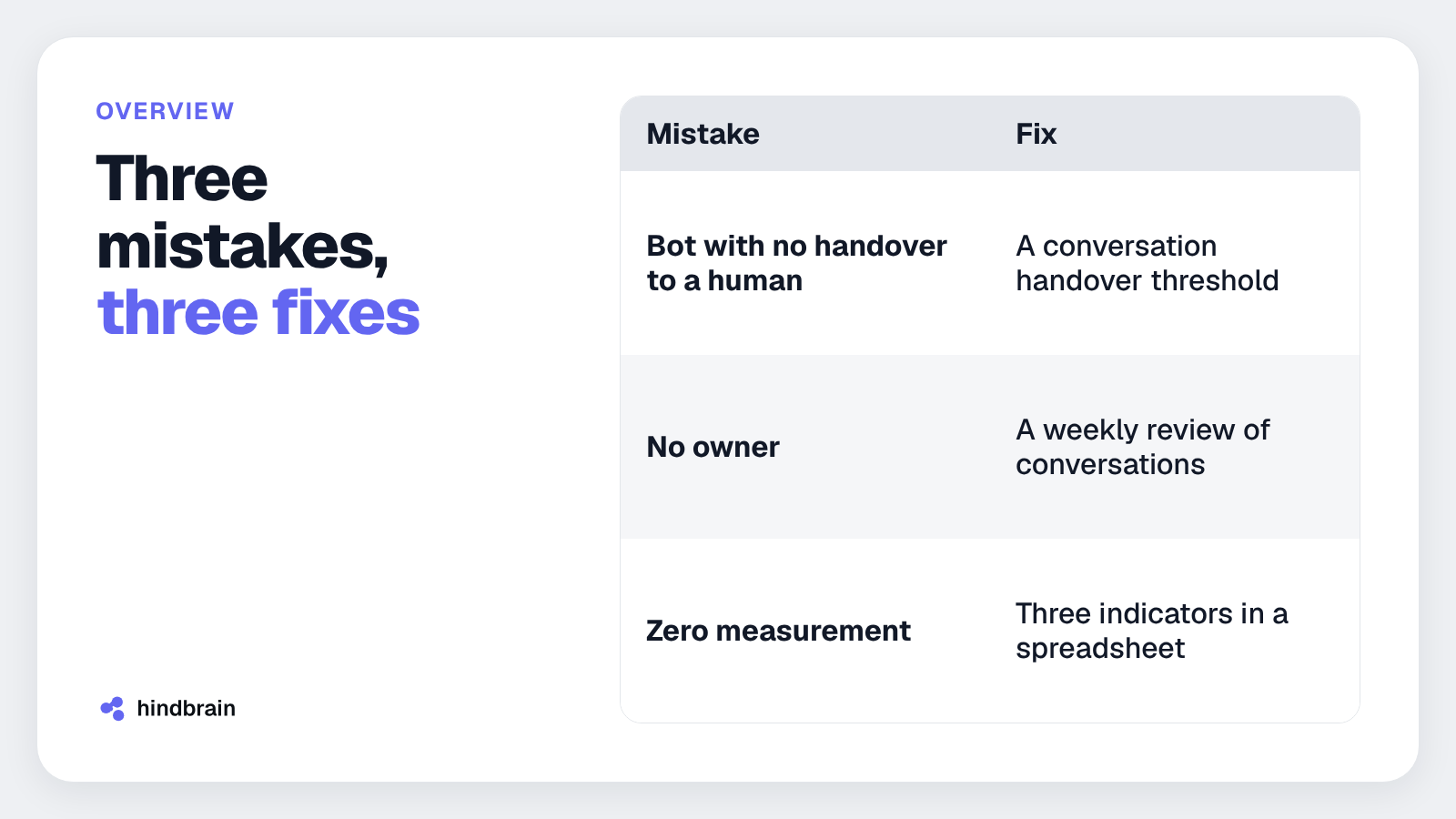
| Mistake | What it looks like | Fix |
|---|---|---|
| Bot with no handover to a human | The customer wants to file a complaint, and the bot points to a knowledge base | A handover threshold for complaints and anger |
| No owner | The price list changed, and the bot quotes old prices | One person reviews conversations every week |
| Zero measurement | Nobody knows if the bot helps | Response time, handovers, drop-offs |
I go through them one by one. At the end there is one action you can take today.
Why is a bot with no handover to a human bad for customer service?
A bot that cannot hand over a conversation closes the door between the customer and the company. A typical example: a customer writes "I want to file a complaint". The bot replies with a link to an article about returns. The customer writes the same thing again and gets the same link. The third attempt is a phone call, and the conversation starts with anger.
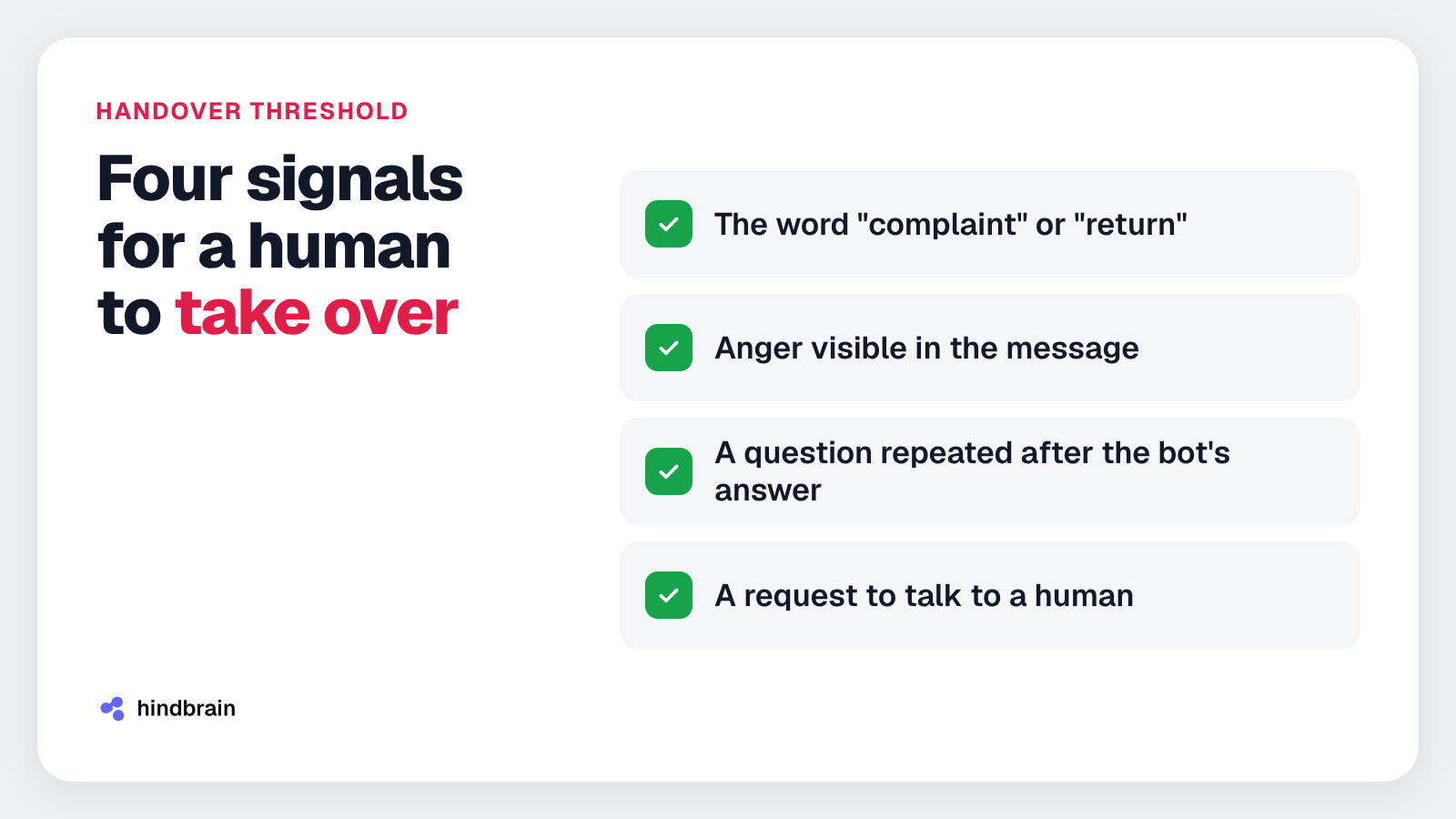
The fix is a handover threshold. A human takes over when one of these signals appears:
- the customer uses the word "complaint" or "return",
- the message shows anger, for example capital letters or harsh words,
- the customer repeats the same question after the bot's answer,
- the customer asks to talk to a human.
The handover must carry the whole conversation history. The employee sees what the customer asked and does not open with "how can I help". The customer does not have to retell the case from the start.
Technically, this means connecting the bot to a mailbox or a ticketing system. We build such connections as part of integrations and automation. We scope the work to the tools the company already has.
This mistake can be fixed in one day. A few rules in your existing bot are enough.
Who should own customer service automation?
A bot says only what it was given. A typical example: a company raises prices on the first day of the month. The website and offers are updated, but for the next few weeks the bot quotes the old amounts. Customers cite its answers, and the salesperson has to explain.
You need one person, named by first and last name. Their job is a weekly review of conversations. During the review they check:
- whether prices, deadlines and delivery terms are up to date,
- which questions the bot could not answer,
- in which conversations the customer asked for a human,
- whether handed-over conversations reached the right person.
A good candidate is someone who knows the offer and talks to customers. It can be a person from service or from sales. Put the review in the calendar as a recurring slot.
A price list change should trigger a bot update on the same day. Add this step to the procedure your company follows when prices change.
Which numbers should you track in customer service automation?
Without measurement you cannot tell if the bot helps or hurts. Three indicators are enough.
| Indicator | What it shows | What to watch for |
|---|---|---|
| First response time | How fast the customer gets a reaction | A longer time after a change in the bot or the team |
| Conversations taken over by a human | What the bot cannot handle | A topic that keeps returning in handovers is a gap in the bot |
| Customers who dropped off | Where the conversation breaks | The point in the chat where customers disappear |
Record these numbers weekly in one spreadsheet. After a few weeks you can see a trend.
A high number of handovers means the bot does not understand part of the questions. Zero handovers with many conversations means you should check whether the threshold works at all. Drop-offs point to conversations worth reading in the weekly review.
I give no numeric benchmarks, because they depend on the industry and the contact channel. You will set your own reference points from the data of the first weeks.
When is customer service automation ready to be expanded?
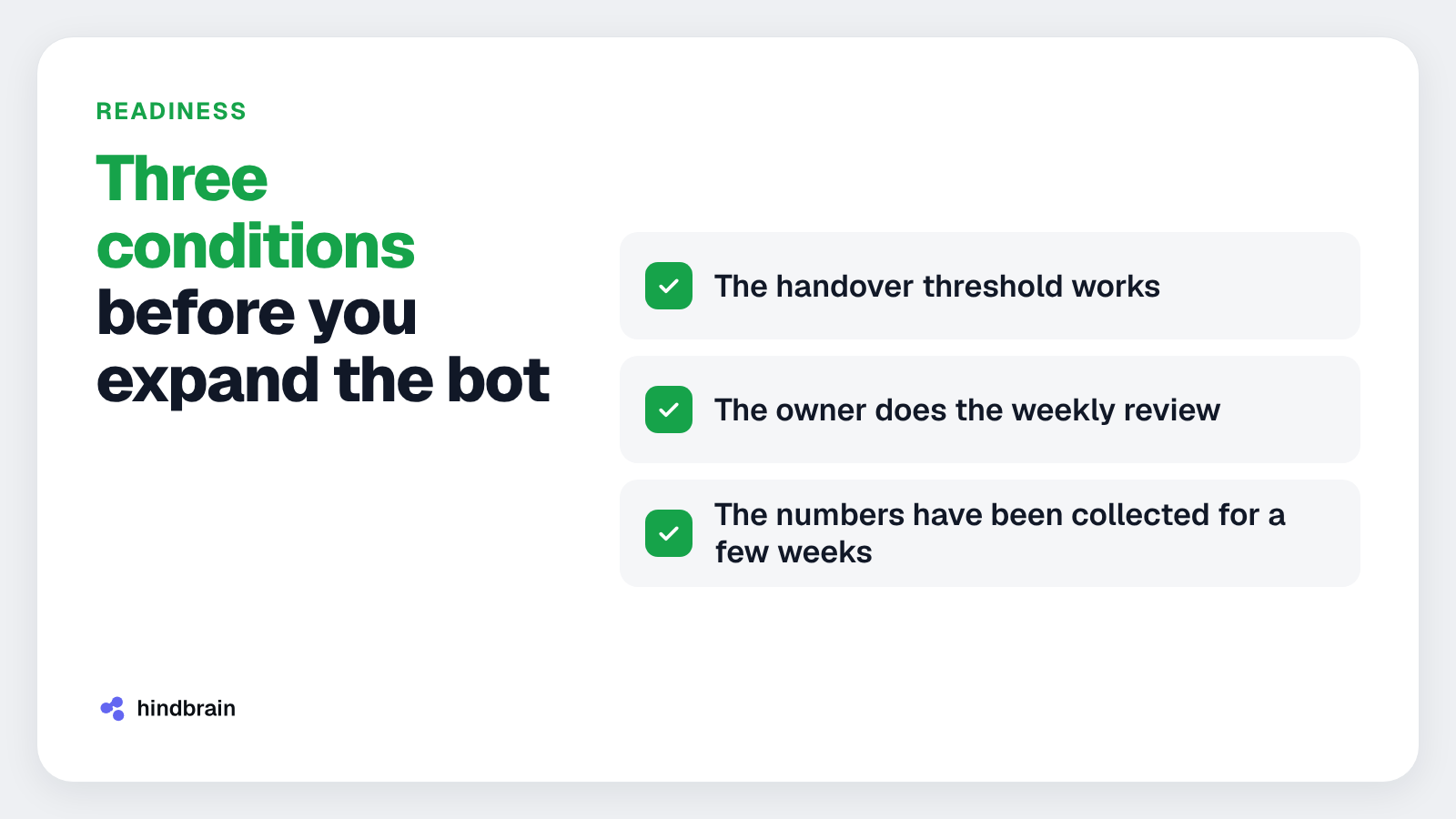
Expanding makes sense when three conditions are met:
- the handover threshold works,
- the owner does the weekly review,
- the numbers have been collected for a few weeks.
Then new features rest on data. You can add a new topic of questions, a new channel, or answers that use system data, for example an order status.
Add one change at a time. After a week, compare the three indicators with the previous week. If drop-offs rise, you roll the change back and you know its cause.
We also build our own products, so we know that launch is only the start of the costs. A bot needs care like any other software.
What to do today
Open the bot's conversations from the last week. Find the first one where the customer wanted to file a complaint or asked for a human. See what the bot answered and write down the words the customer used. That is the first rule of your handover threshold.
You can get the bot review checklist through contact. Send us a message and we will share it with you.
FAQ
What is customer service automation?
Customer service automation is a set of tools that answer repeated queries without an employee. They include a chatbot, automatic email replies, order statuses and notifications. Employees handle the cases that need a decision, such as complaints, exceptions and conversations with an upset customer. Well configured automation shortens response time.
When should a bot hand a conversation over to a human?
The bot should hand over when the customer reports a complaint, writes in anger, repeats the same question or asks for a human. The handover must include the whole conversation history, so the customer does not retell the case. Agree the list of thresholds with the person who receives the requests.
How often should you review bot conversations?
Once a week, at a fixed time, by one designated person. It is enough to review the conversations taken over by humans and those after which the customer dropped off. While you are at it, check that the bot quotes the current price list, working hours and delivery terms. A short, regular session is enough to start.
Which indicators should you track in customer service automation?
Three basic ones: first response time, the number of conversations taken over by a human, and the number of customers who dropped off mid-conversation. Together they show whether the bot answers fast, copes with questions, and whether customers finish the chat with an answer. Record them weekly to see a trend over several weeks.
Does customer service automation require writing code?
A simple bot with a few rules works in ready-made tools. When the bot needs to use a price list, order history or a ticketing system, you need integrations. It is worth planning them together with the handover to a human. hindbrain discusses the scope of such work free of charge in the first project conversation.
Let's talk about your customer service
If you want to set up handovers, review and measurement in your company, book a conversation. The first project conversation is free. We will go through your contact channels and show what to fix first.