
Fitness Class Booking System with Memberships and QR Check-In
A fitness class booking system with memberships and QR check-in in one record. See the Trenovo features on screens with demo data.
A fitness class booking system works well when booking, membership and entry rely on one record. That is how we built Trenovo: a real-time calendar, memberships, QR code entry and one mobile app for the client and the trainer. Below we describe each feature using demo data.
What is a fitness class booking system with memberships and QR check-in?
In many clubs, bookings, memberships and entries live separately. Bookings sit in the timetable, memberships in a spreadsheet, and entries at the front desk. Someone has to reconcile these three places by hand.
In Trenovo it is one record. When a client books a class, the system uses their membership. When the client enters the club, the system uses the same booking and the same membership. The front desk does not check memberships by hand.
Trenovo is made for gyms, fitness studios and trainers. It is still under development and does not run in any club yet. So we have no results from live clubs and do not report any in this article. The screens in the carousel and in the text show demo data.
How does a real-time class calendar work?
The client opens the app and sees the class timetable with the number of free spots. The timetable updates with every booking. If someone else signs up a moment earlier, the client sees the new count right away.
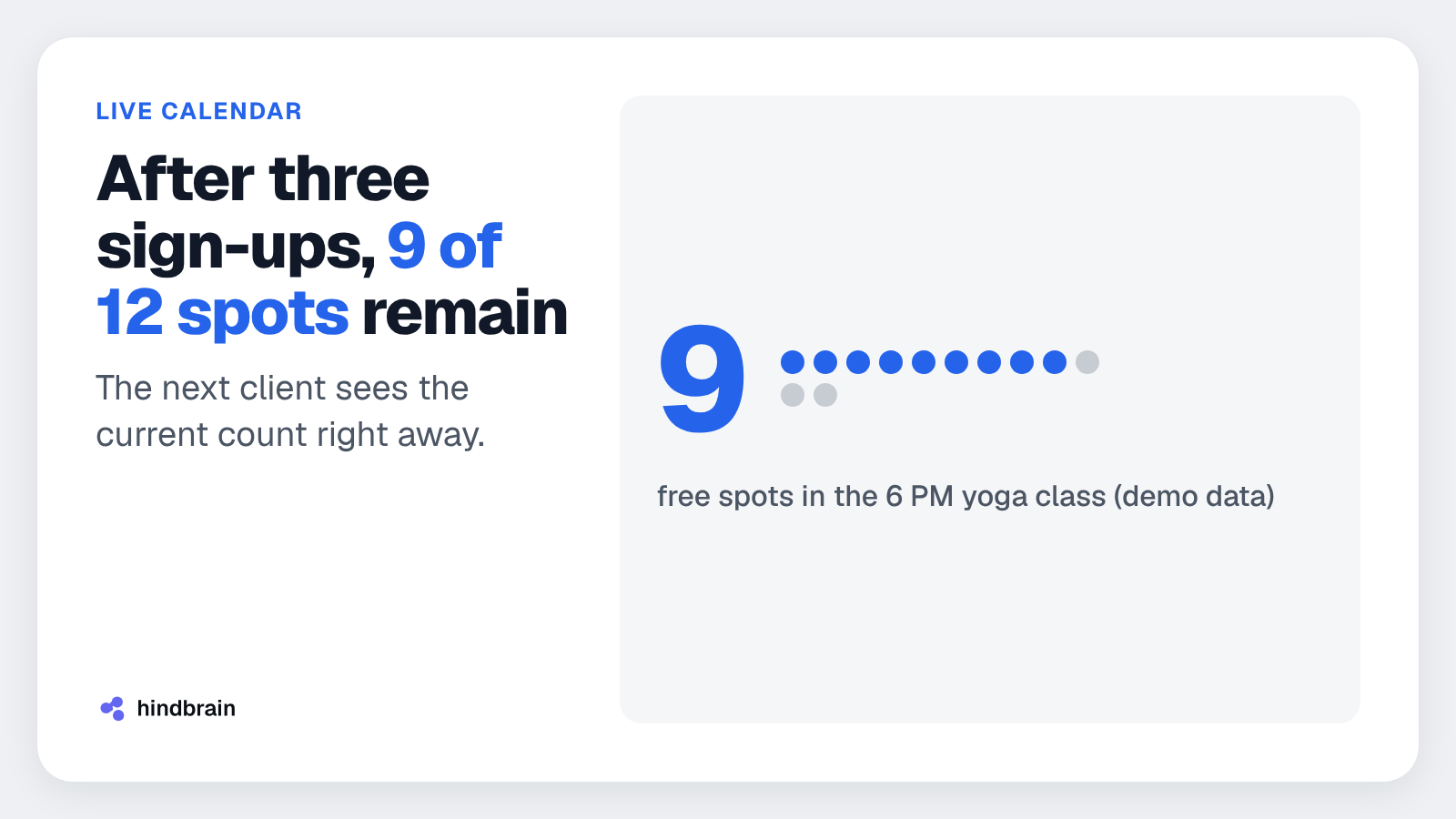
An example with demo data: a yoga class at 6 PM has 12 spots in the timetable. After three people sign up, 9 remain. The next client opens the app and sees exactly 9.
This matters for a simple reason. When the timetable shows an outdated count, the front desk takes calls from clients who landed on a full class. A real-time calendar removes this problem at the source.
The timetable also gives the club a trainer view. The trainer sees their classes and the list of signed-up people in the same app the clients use.
How do the membership and QR code entry use one record?
The membership in Trenovo checks itself. Booking and entry use the same membership record. The system knows whether the membership is valid before the client books a spot, and again at entry.
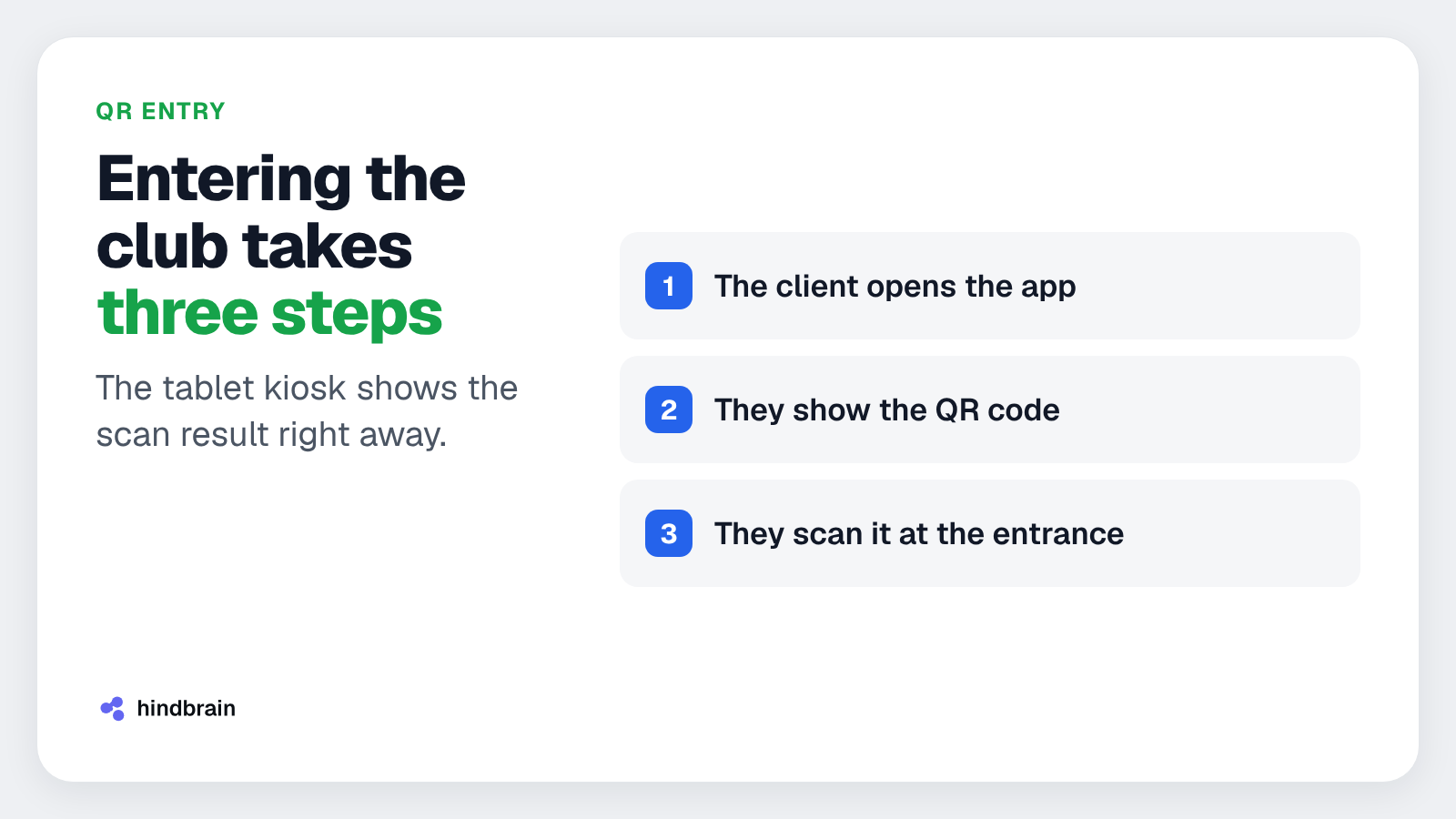
The QR code waits in the client's app. Entry looks like this:
- The client opens the app.
- They show the QR code.
- They scan it at the entrance.
The client does not give their name at the front desk. A phone is enough.
A tablet kiosk stands at the entrance. The tablet scans the client's code and shows the result right away. The scan, the booking and the membership go into one record. The receptionist does not need to open a spreadsheet or look for the client on a list.
The same mechanism handles different situations. A client with a booking and a valid membership walks in without a conversation. A client whose membership has expired sees it on the kiosk screen and does not hold up the queue at the desk.
Why do clients and trainers need one mobile app?
The client and the trainer use the same mobile app. Each has their own role and their own view. The client books classes, checks the membership and shows the QR code. The trainer sees the timetable and the participants.
For the club this has a clear advantage. The club maintains one app instead of two. One app means one update in the app stores, one place for fixes and one set of tests.
The cost of maintaining software is often overlooked when choosing a system. We also build our own products, so we know it from practice. That is why, with Trenovo, we limited the number of apps to maintain from the start. If you need a similar app for your own company, see our offer: mobile apps.
How do you compare booking systems for a club?
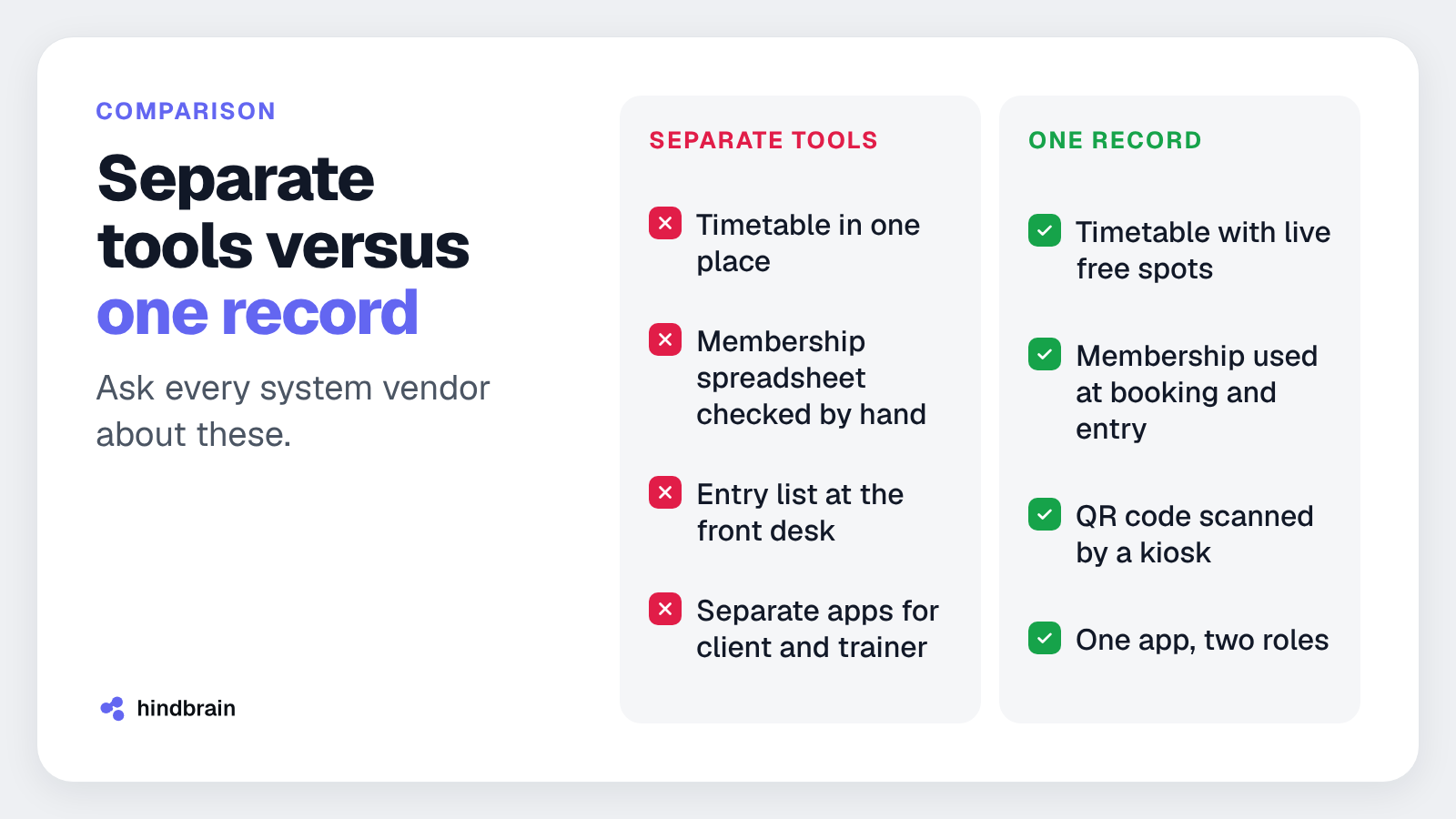
When choosing a system, compare it with your current way of working. The table below is a model example, not a result from clubs. It shows what to ask a vendor.
| Area | Separate tools | One record |
|---|---|---|
| Booking | timetable in one place | timetable with live free spots |
| Membership | spreadsheet checked by hand | membership used at booking and entry |
| Entry | list at the front desk | QR code scanned by a kiosk |
| Apps | separate for client and trainer | one app, two roles |
Save this table or the carousel as a list of features to compare. We can send you a checklist for comparing booking systems. Just get in touch through contact.
Static preview — animation disabled.
What to do today
Take one booking from the past week and check in how many places it has to be recorded or verified. Count the timetable, the membership spreadsheet, the front desk list and any messages from the client.
If you get three places or more, you have a measure of the cost of reconciling data by hand. Write this number down. It will help in a conversation with any system vendor, including us.
FAQ
Does Trenovo already work in clubs?
Trenovo is under development and has no live deployments yet. We have no data from clubs, so we do not report results. The screens in the carousel and in the article show demo data. The first clubs from the waitlist will get access before launch, and we will collect their feedback for further development.
Does the client have to give their name at the front desk?
The client opens the app, shows the QR code and scans it at the entrance. The code waits in the client's app, so a phone is enough. The system links the scan to the booking and the membership on its own. The front desk does not look for the client on a list or check the membership by hand.
What does the tablet kiosk at the entrance show?
The tablet scans the client's QR code and shows the result right away. The scan, the booking and the membership go into one record. The example in the carousel uses demo data. This way the front desk sees the system's decision and does not need to open extra tools for every entry.
Do the client and the trainer need separate apps?
The client and the trainer use the same mobile app, each in their own role. The club maintains one app instead of two. That means fewer updates, fewer tests and one place for fixes. The client sees bookings and the membership, and the trainer sees the timetable and the participants.
How do I join the Trenovo waitlist?
Go to trenovo.hindbrain.io and leave your details. The first clubs will get access before launch. You can also reach out through contact. We will then send you the checklist for comparing booking systems.
Want to talk about a system for your club?
If you run a gym or a fitness studio, or work as a trainer, tell us how booking, membership and entry work for you today. The first conversation is free. We will help assess what can be combined into one record, also beyond Trenovo.